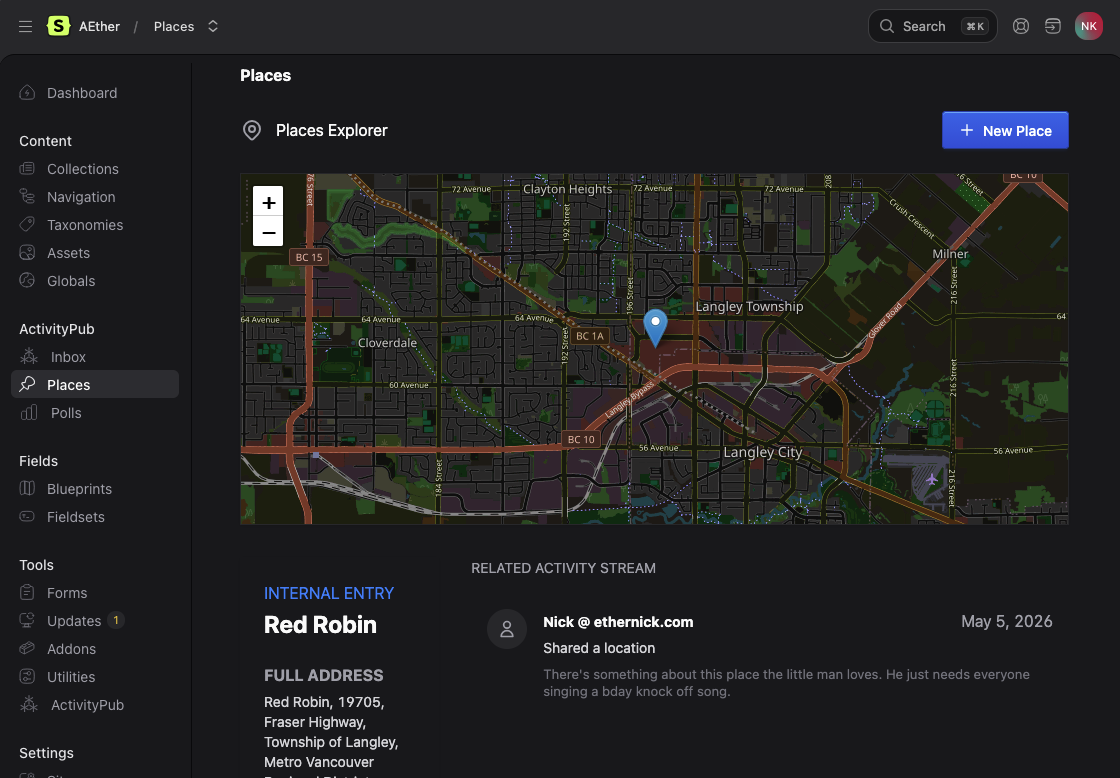
With both, places & polls, I realized I had neglected the ability to manage how those pages looked on the web. So now you can.
- A Place
- A Closed Poll
- An Open Poll - Oooo you can vote too?
Now you can do something like this with your polls
<div class="poll">
    <h1 class="text-3xl font-semibold tracking-tight text-slate-800 dark:text-gray-100">{{ content | markdown }}</h1>
    <div class="mt-10">
        {{ activitypub_poll:form }}
        <form action="{{ action }}" method="{{ method }}" class="activitypub-poll-form" data-poll-id="{{ id }}">
            {{ csrf }}
            {{ options }}
            <div>
                <input type="{{ type }}" name="{{ ref }}" value="{{ name }}">
                <label>{{ name }}</label>
            </div>
            {{ /options }}
            <button type="submit" class="mt-5 bg-blue-500 hover:bg-blue-600 text-white font-bold py-2 px-4 rounded">
                Cast your Vote
            </button>
        </form>
        {{ /activitypub_poll:form }}

        {{ activitypub_poll:results }}
        <div>
            {{ message }}<h3 class="text-xl font-bold">Thanks!</h3>{{ /message }}

            {{ options }}
            <div class="mt-4">
                <div class="flex justify-between">
                    <span>{{ name }}</span>
                    <span>{{ percentage }}%</span>
                </div>
                <div class="bg-gray-200 h-2 rounded overflow-hidden">
                    <div class="bg-blue-600 h-full" style="width: {{ percentage }}%"></div>
                </div>
            </div>
            {{ /options }}
            <div class="text-sm text-right mt-2">
                Total votes: {{ total_votes }}
            </div>
        </div>
        {{ /activitypub_poll:results }}
    </div>
</div>
{{ activitypub_poll:script }}
README's
* * *